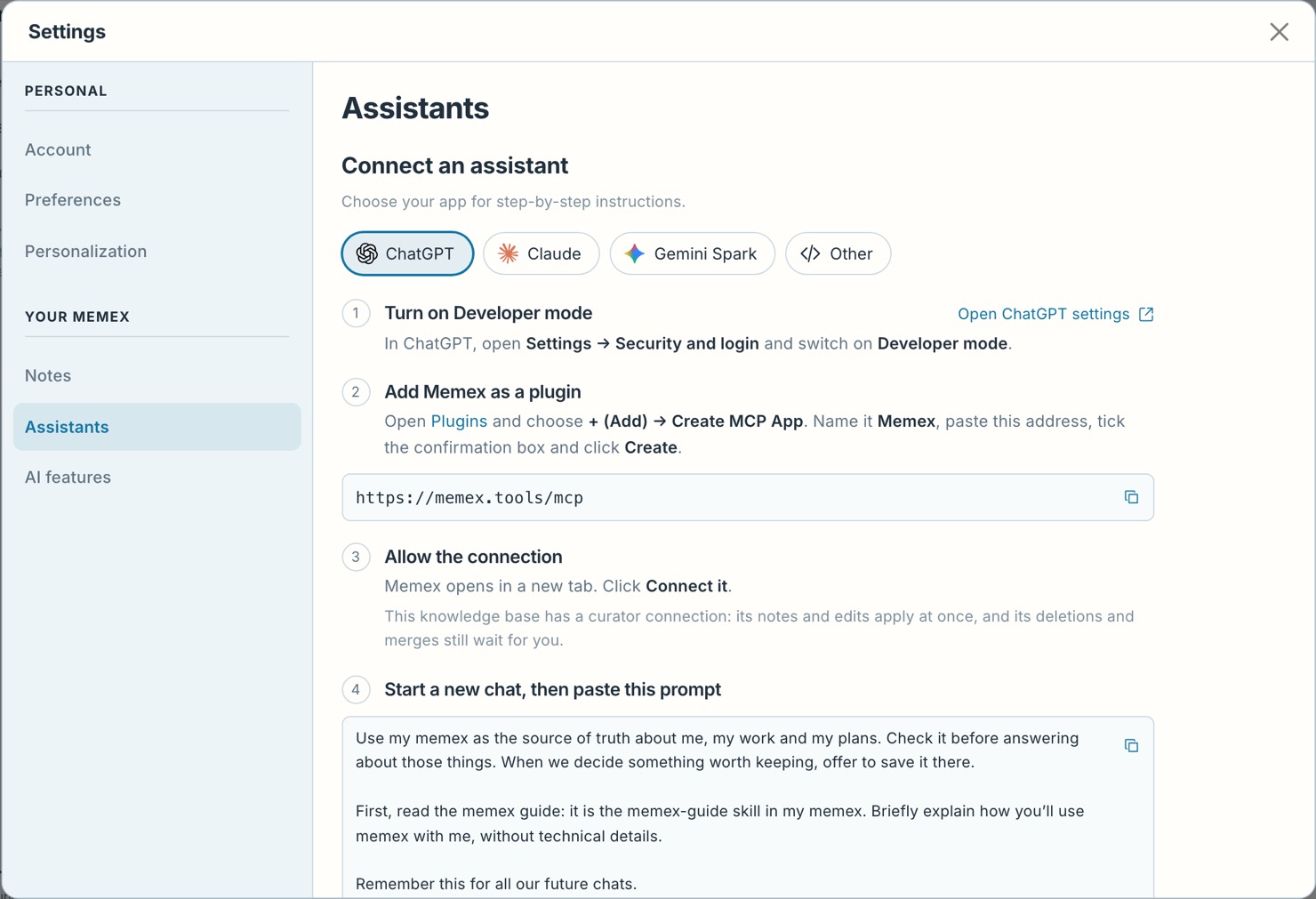
Connect an assistant
Connect an assistant
The address every assistant connects to, and which steps to follow for yours.
Every assistant connects to memex at the same address:
https://memex.tools/mcp
Pick your assistant
Connect ClaudeAdd memex to Claude as a custom connector, approve it, and let its tools run without asking.Connect ChatGPTTurn on Developer mode, add memex as an app and approve the connection.Connect Gemini SparkAdd memex as a custom app for Spark and link your Google and memex accounts.Connect an agent or a scriptCreate a token in memex for a coding agent, an agent you run yourself, or a script.
What happens when you connect
The assistant opens memex in your browser and asks you to approve the connection. Click Connect it.
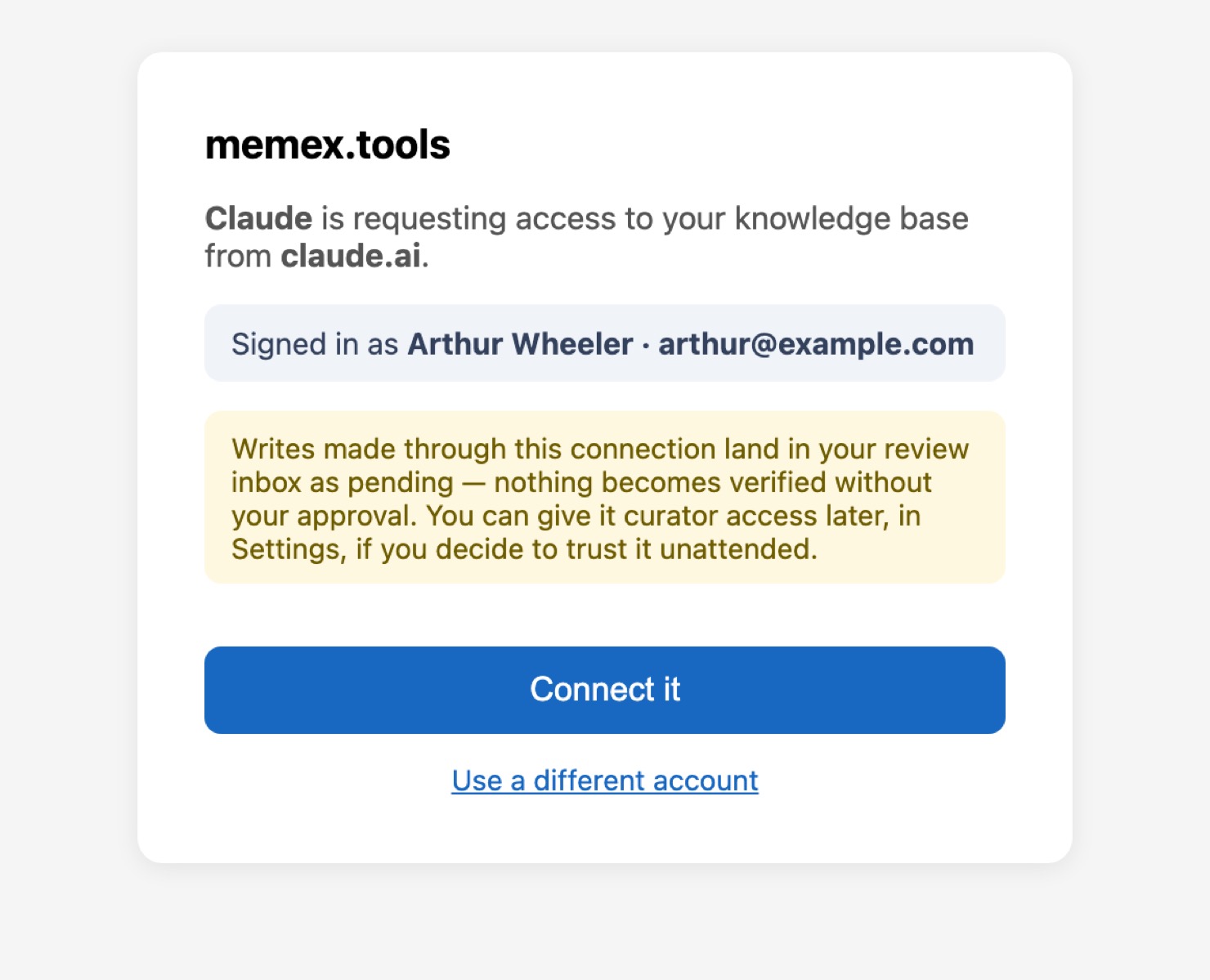
From then on the assistant can read your notes and propose new ones. What it writes waits for you in Review Inbox unless you make it a curator.
In memex, Settings › Assistants lists every connection with when it last called in.