
Get started
First steps
Connect an assistant, send it one message, and approve the first note it saves.
Five steps take you from an empty memex to a first note you approved.
Connect an assistant
Follow the steps for yours: Claude, ChatGPT, Gemini Spark, or an agent or a script.
Send the first message
Paste your first message into a new chat. It tells the assistant to check memex before answering and to offer to save what you decide.
Save something
In that chat, say “save that to memex”. The assistant proposes a note.
Approve it
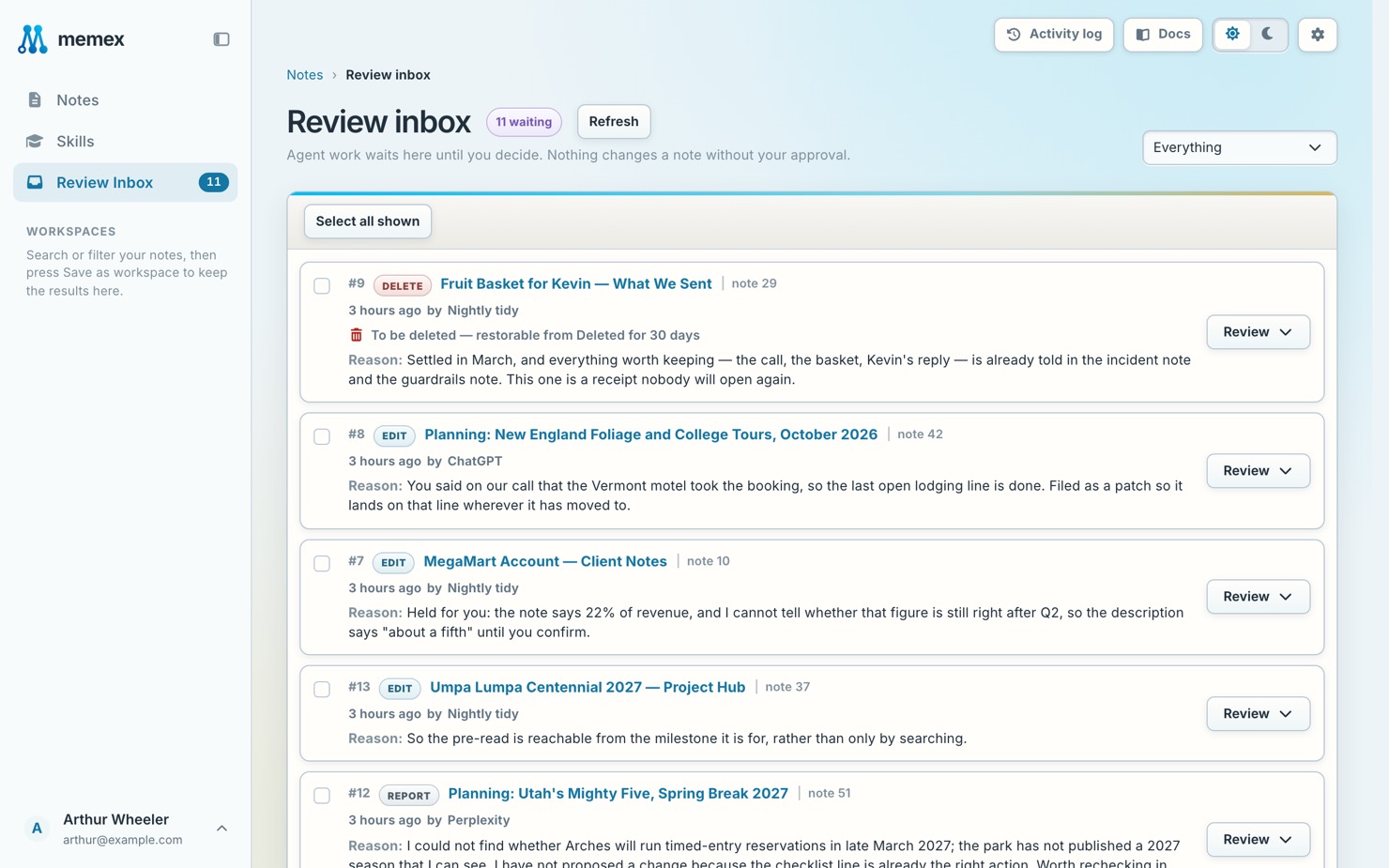
In memex, open Review Inbox and approve the note.
Tell assistants about you
Add your profile, so you don’t explain yourself in every chat.