
Make it yours
Your profile
A note about you that every connected assistant reads, so you don’t explain yourself in every chat.
Your profile is a note about you, tagged user-profile. Every connected assistant reads it, so you don’t explain yourself in every chat.
Open Personalization
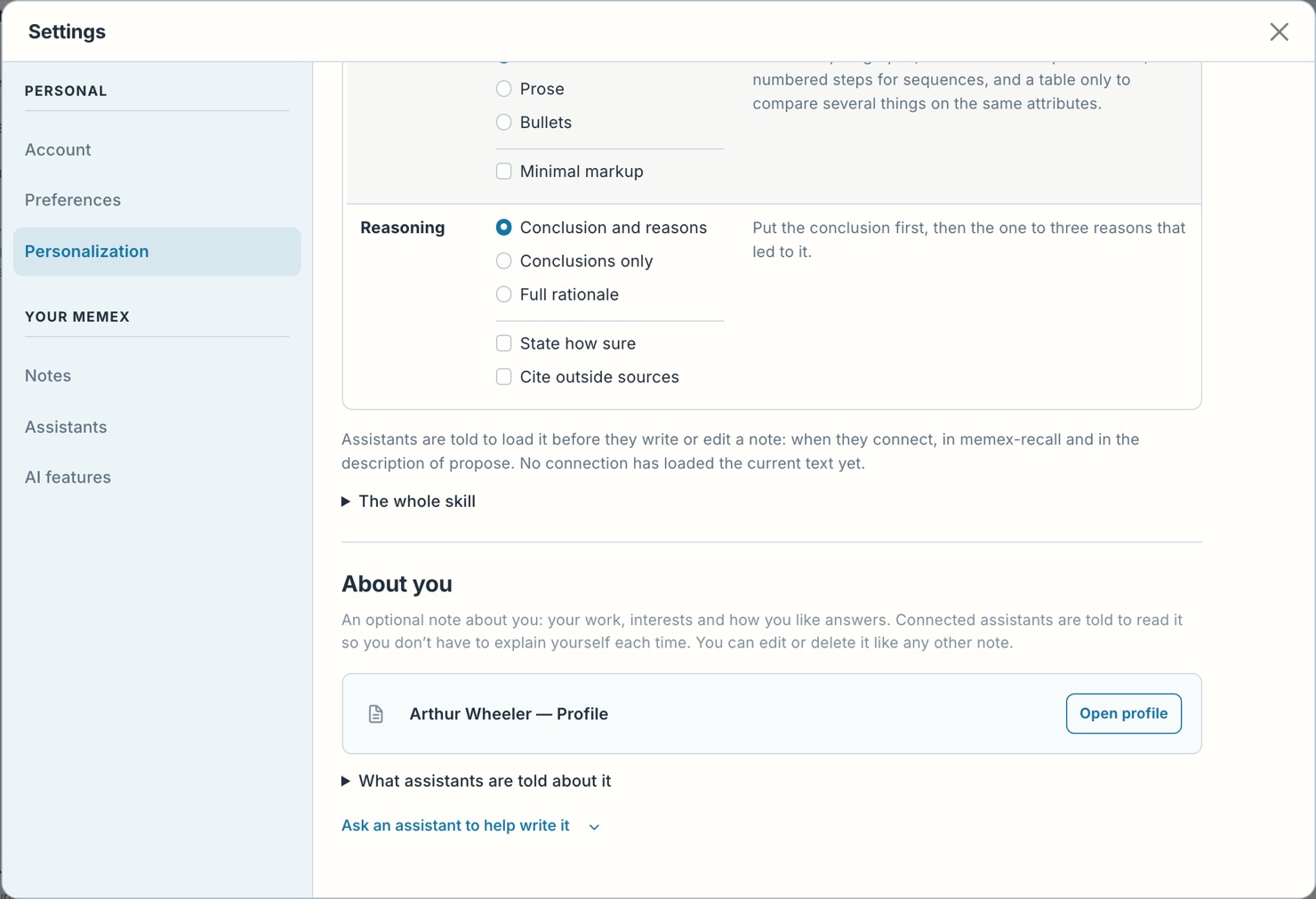
In memex, open Settings › Personalization.
Add your profile
Under About you, press Add profile.
Pick a few preferences
Pick a few preferences and press Save and continue.
Or ask a connected assistant:
Help me create or update my profile in memex using what I’ve told you about my work and preferences.
Edit your profile like any other note. A change an assistant proposes to it always waits for you.