
Everyday use
Map
Your notes as dots and their links as lines, with views for orphans, hubs and stale notes.
On Notes, the map button beside the list button draws your notes as dots and their links as lines.
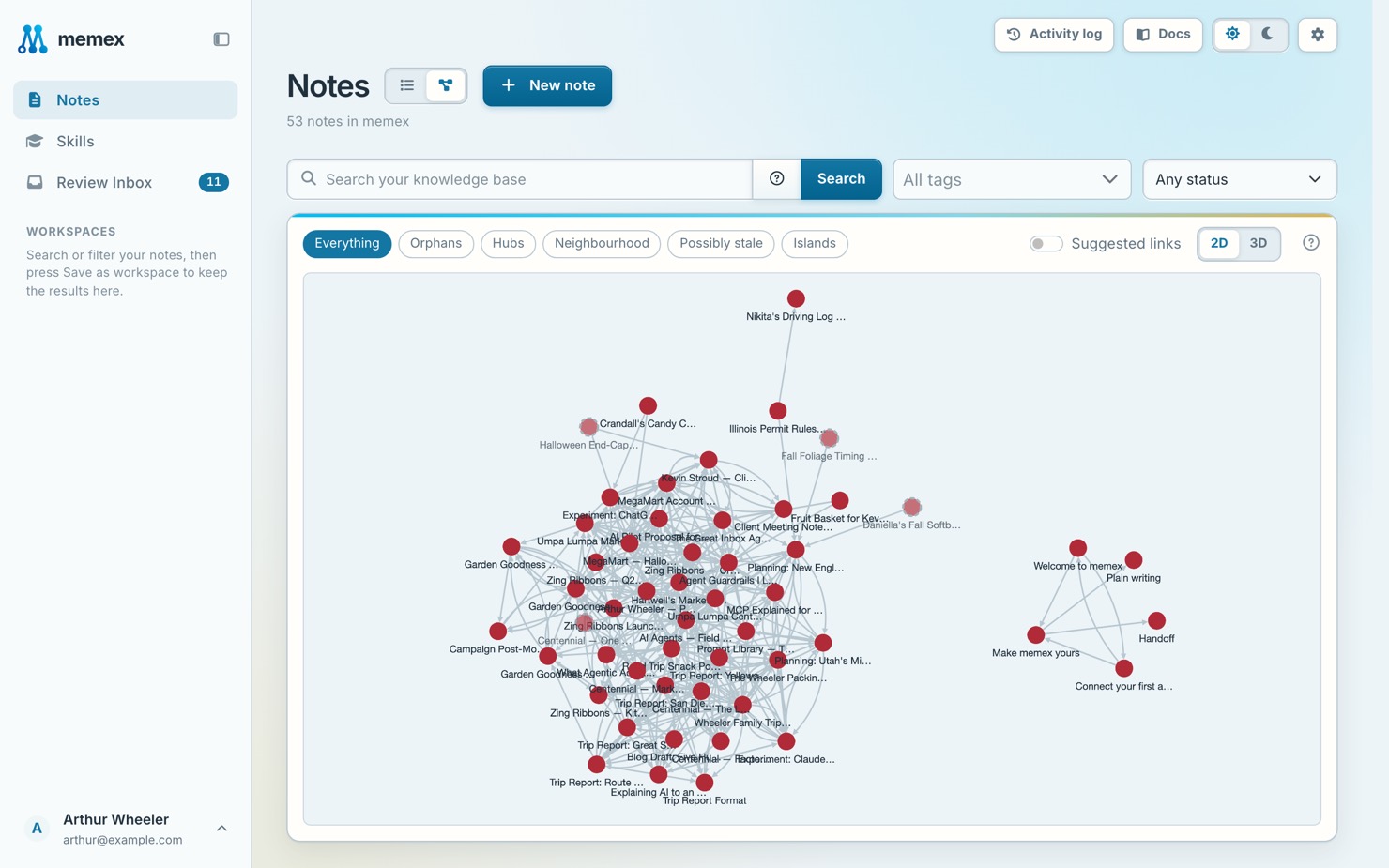
- Red marks notes that need work, yellow marks flagged notes, faded notes wait for review.
- Pick a view: Everything, Orphans, Hubs, Neighbourhood, Possibly stale or Islands.
- Click a note for its details and Open note.