
Everyday use
Review Inbox
Approve, amend or reject what your assistants wrote, one at a time or several at once.
What an assistant writes waits in Review Inbox: new notes, edits, deletions and merges. Each card says who proposed it and why.
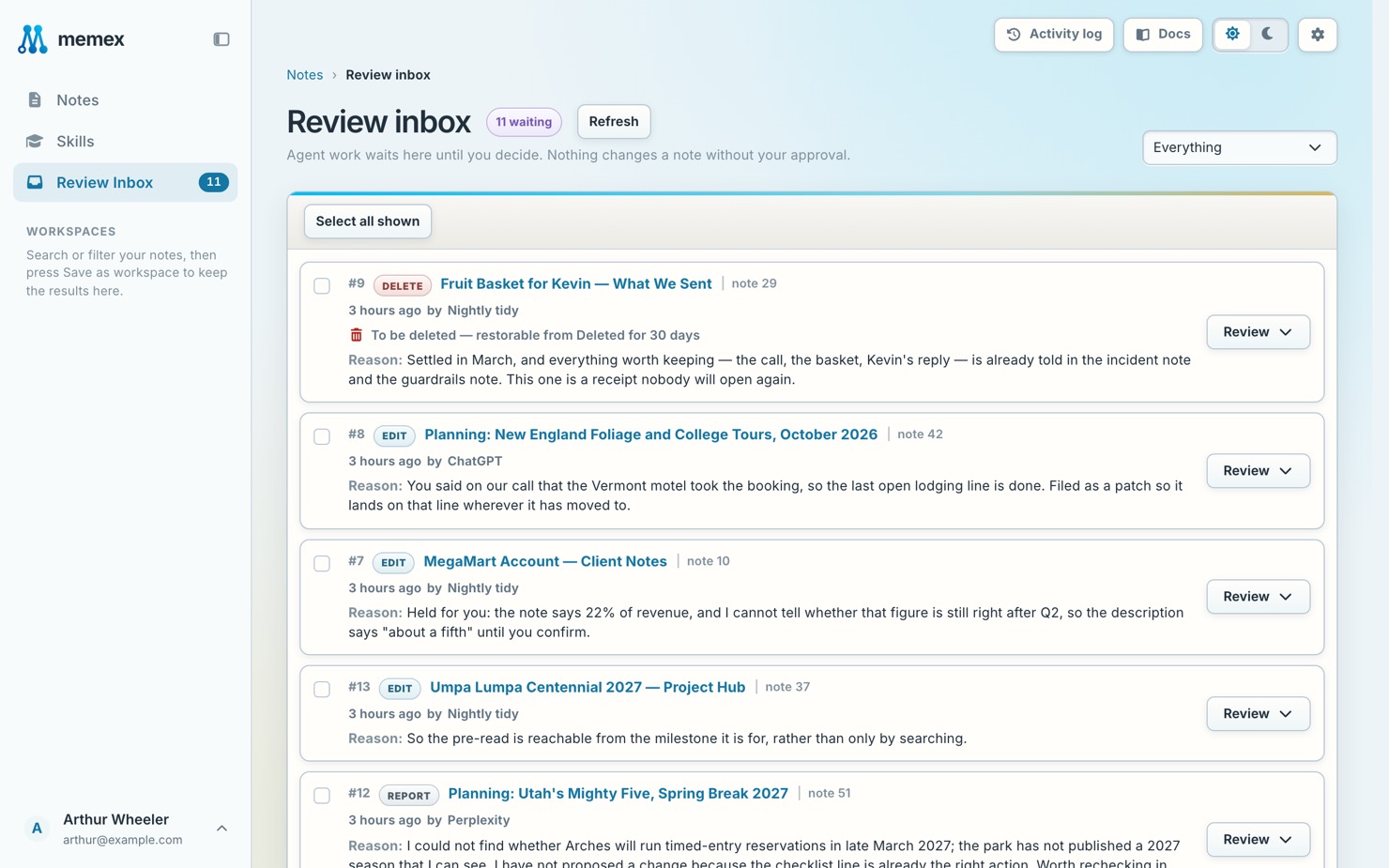
Decide on one
Open the card
Press Review on a card to see the change.
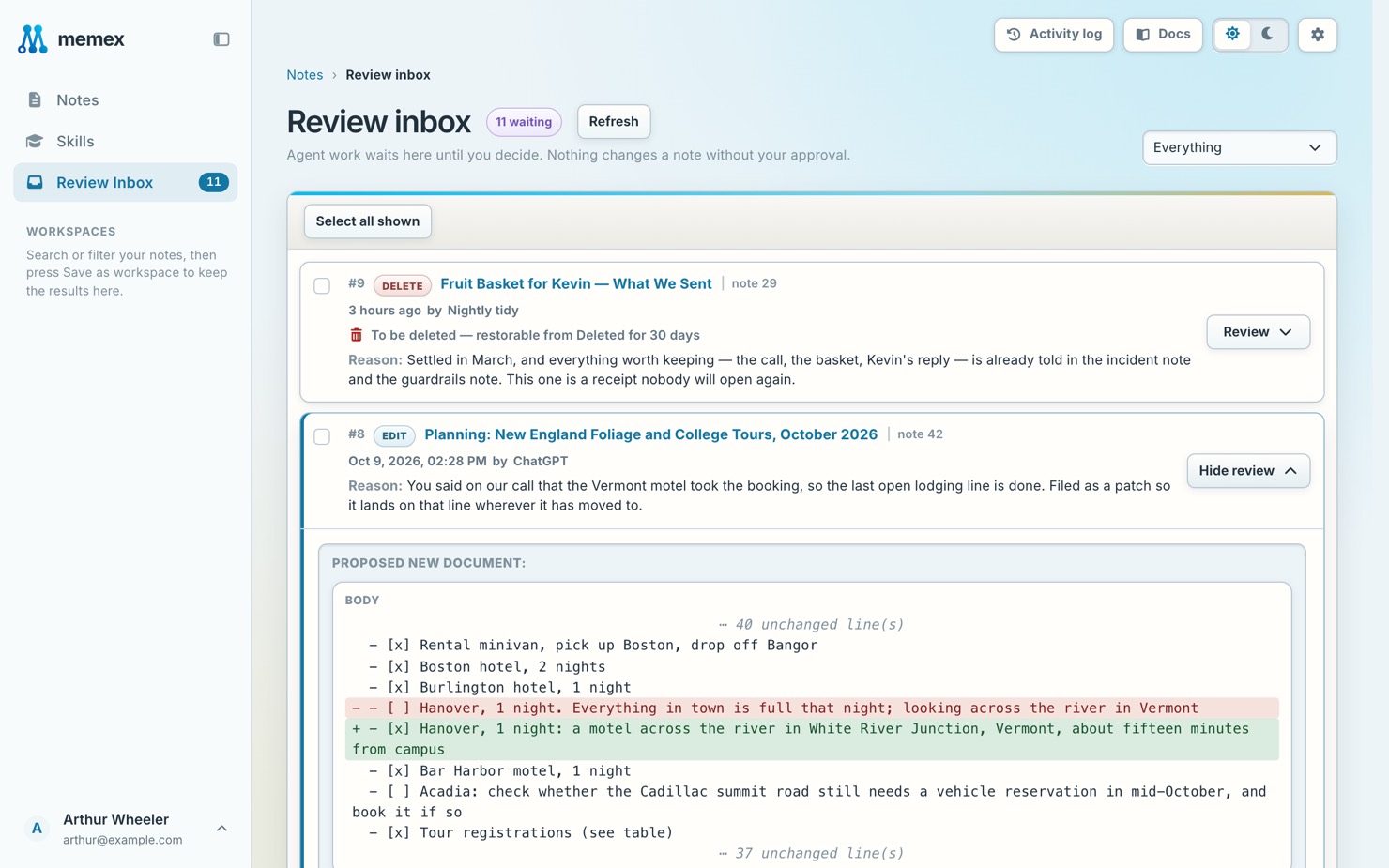
Approve or reject
Approve it (Approve note, Apply edit, …) or reject it.
Amend it first
To fix it before approving, press Amend, make your change, then approve.
Decide on several
Tick them and press Approve selected or Reject selected.
Pending notes
A new note from an assistant is pending until you decide. You can read and search it, but it is not verified. A pending note shows Approve and Reject on the note itself.
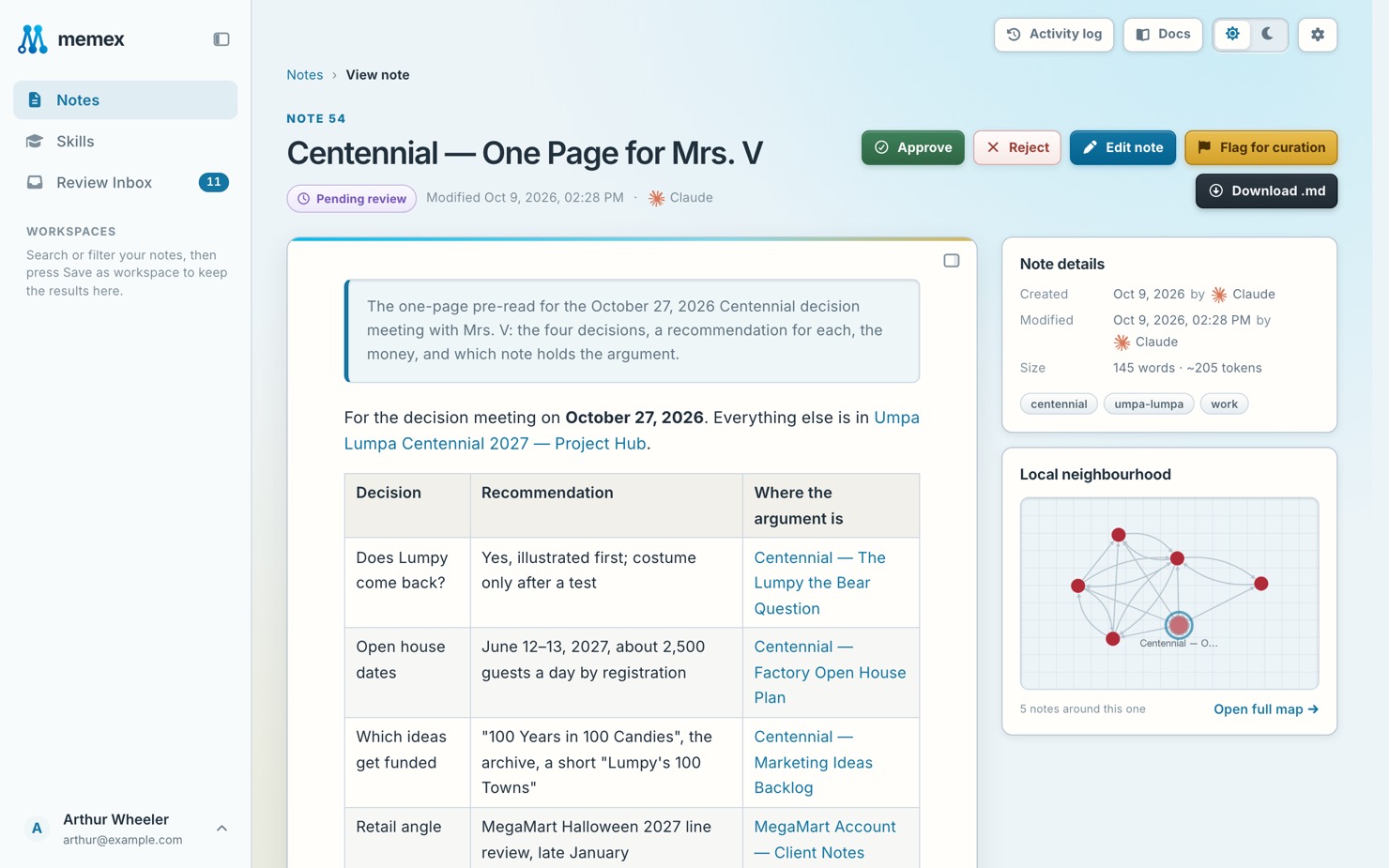
A curator’s new notes and edits apply at once, without a card.