Everyday use
Find notes
Search by words or by meaning, narrow by tags and status, and use search operators.
memex first looks for notes that contain all your words. If none do, it searches by meaning, so a question in your own words finds the note that answers it.
Search
On Notes, type in the search box and press Enter.

Narrow the list
Use All tags and the status menu beside the search box.
Clear a filter
Remove a filter with its ×, or press Clear all.
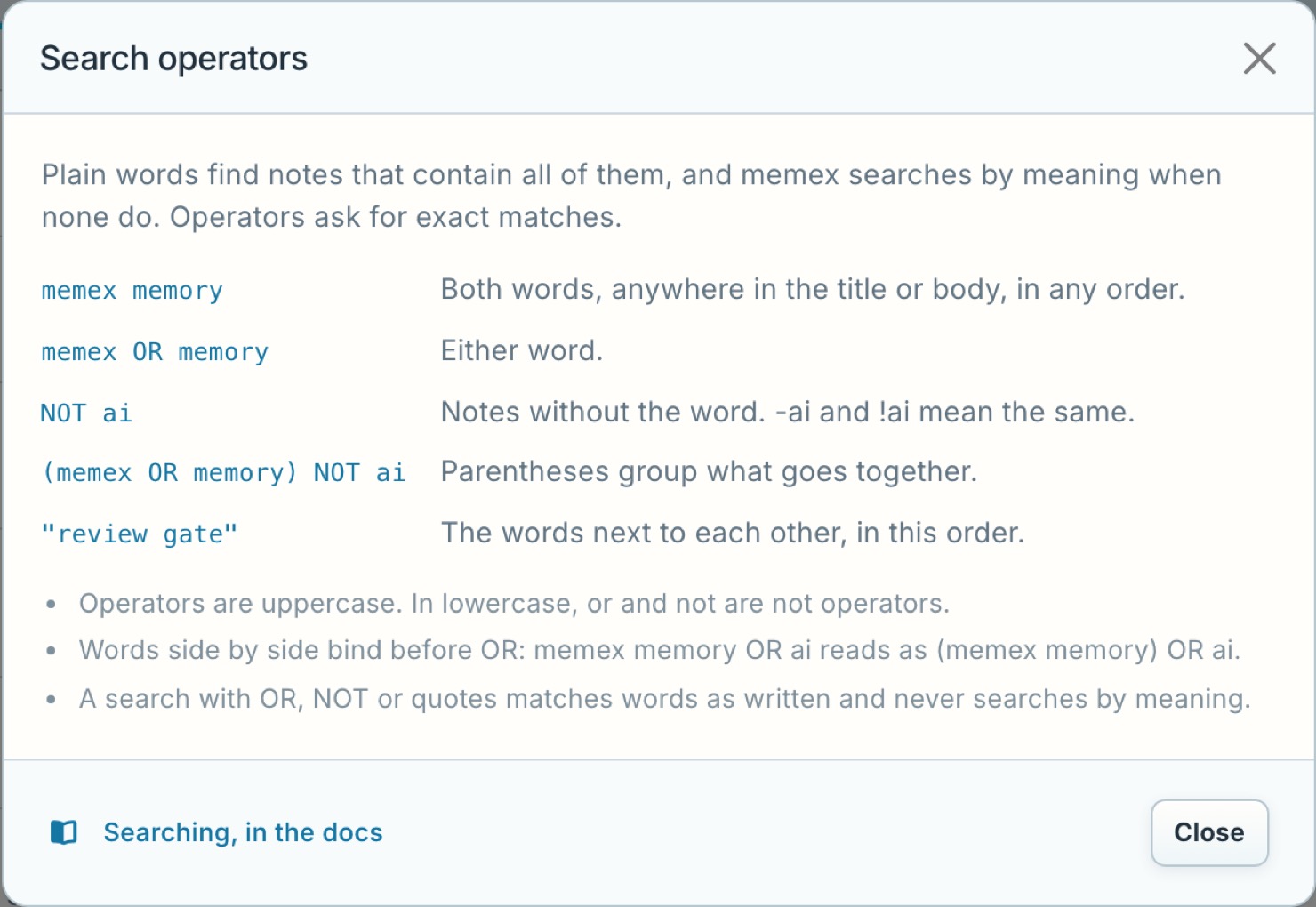
Search operators
| Type | To find |
|---|---|
memex memory |
Both words, in any order |
memex OR memory |
Either word |
NOT ai or -ai |
Notes without the word |
(memex OR memory) NOT ai |
A group, then an exclusion |
"review gate" |
The exact phrase |