
Your data
Import notes
Bring in Markdown or text files, or a ZIP of a folder such as an Obsidian vault.
Open Notes settings
In memex, open Settings › Notes.
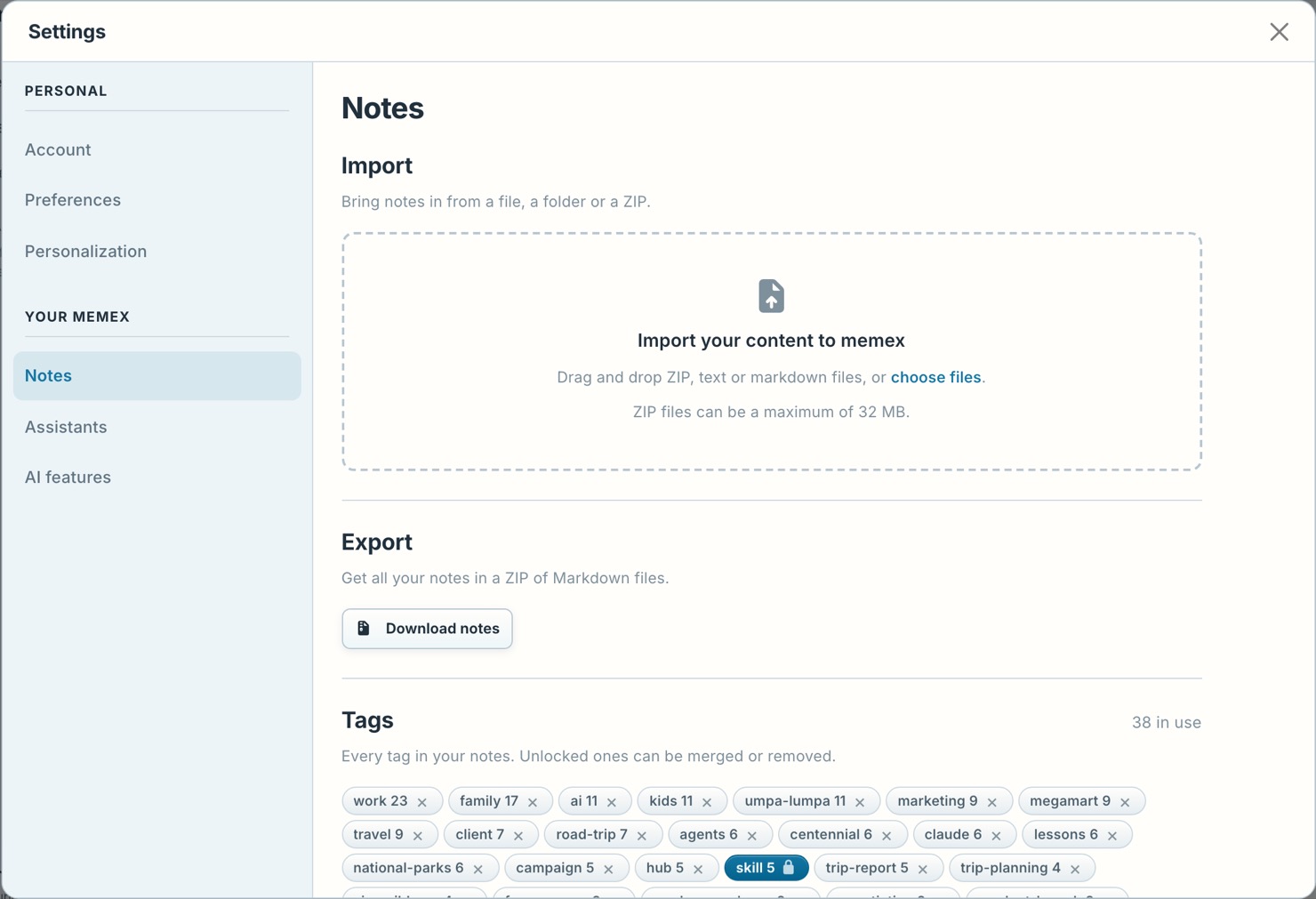
Drop your files
Drop Markdown or text files, or a ZIP of a folder such as an Obsidian vault.
Import
Press Import. For a ZIP, Analyze first shows what would come in.
Titles, tags and links between the imported notes are kept.