
Connect an assistant
Connect an agent or a script
Create a token in memex for a coding agent, an agent you run yourself, or a script.
Use a token for anything that can’t complete a browser sign-in: a coding agent, an agent you run yourself, or a script.
Create a connection
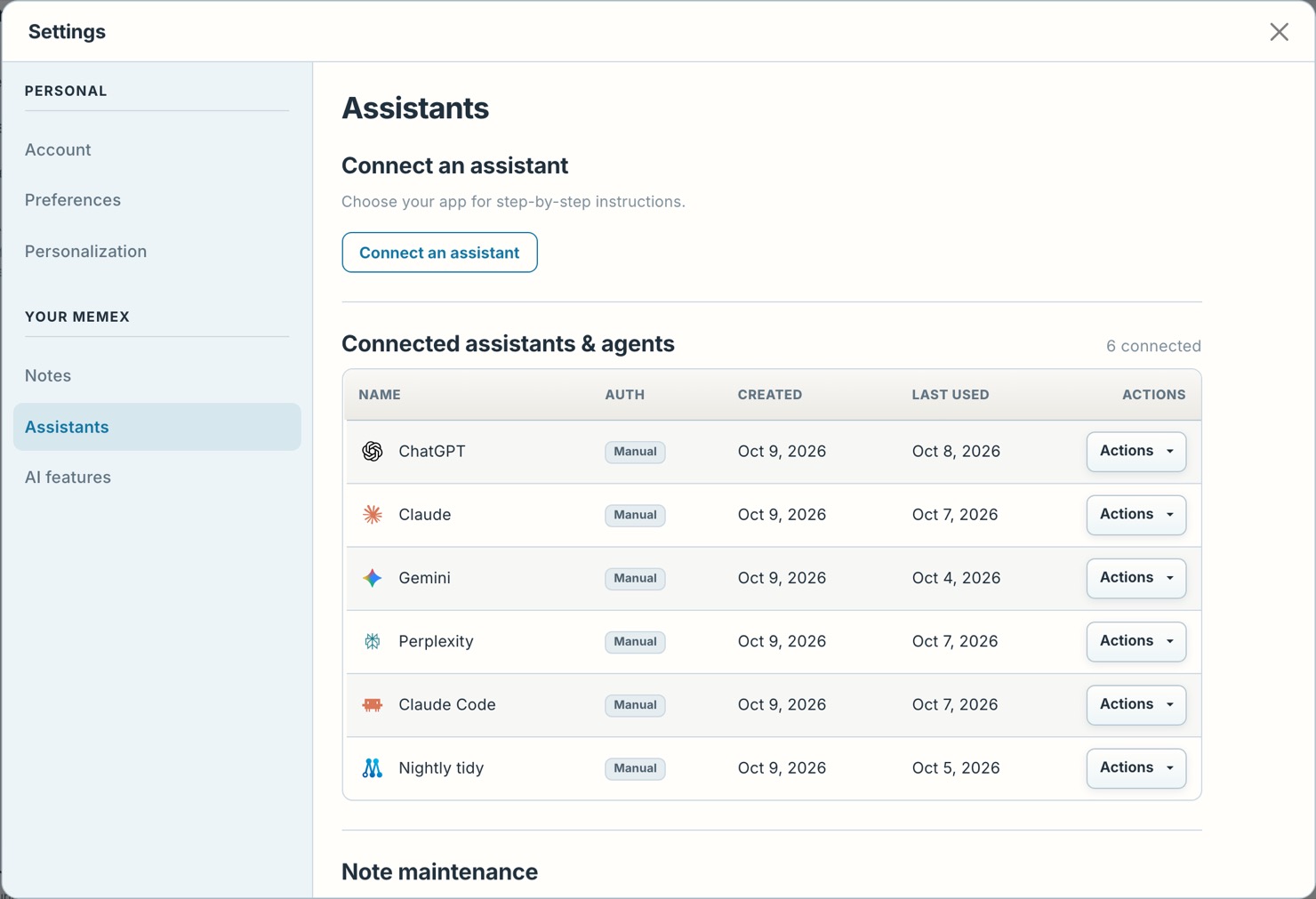
In memex, open Settings › Assistants, press Connect an assistant and choose Other. Give the connection a name you will recognise later and press Create token.
Copy the token
Copy the token and keep it private. Copy token, in the connection’s Actions, copies it again later.
Add it to your agent
Add memex as an MCP server at
https://memex.tools/mcp. The agent sends the token with every request, as the headerAuthorization: Bearer <your token>.