
Everyday use
Workspaces
Save a search or a set of filters in the sidebar, one click away.
A workspace is a saved search, one click away in the sidebar.
Search or filter
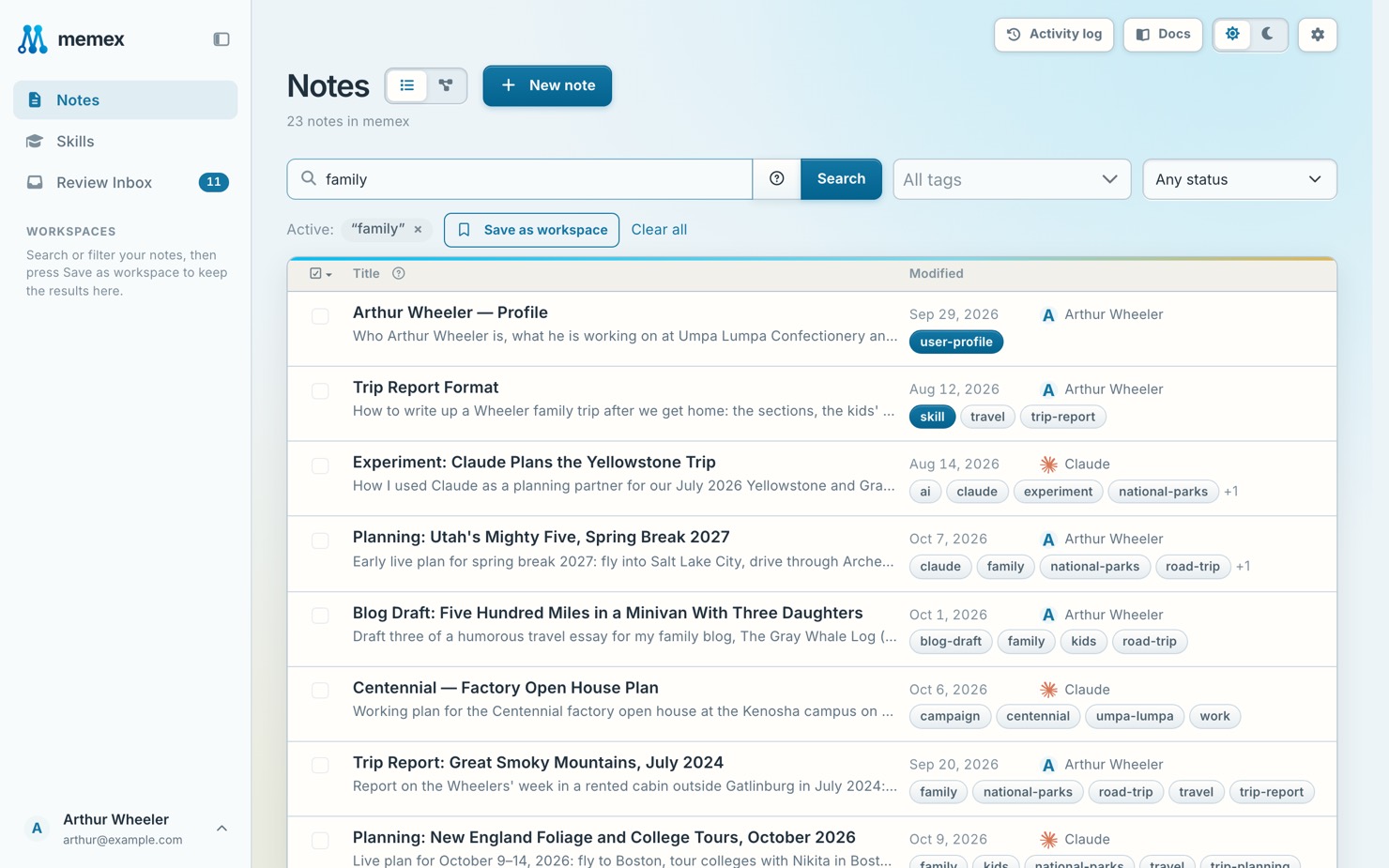
Search or filter your notes. See Find notes.
Save it
Press Save as workspace, next to the active filters.
Name it
Give it a name and an icon, and save.
To edit or remove a workspace, point at it in the sidebar and press ⋯.