
Everyday use
Write a note
Create a note, link it to others, undo a change, or start from a file.
A note you write yourself is verified at once. Notes from assistants wait for you in Review Inbox.
Start a note
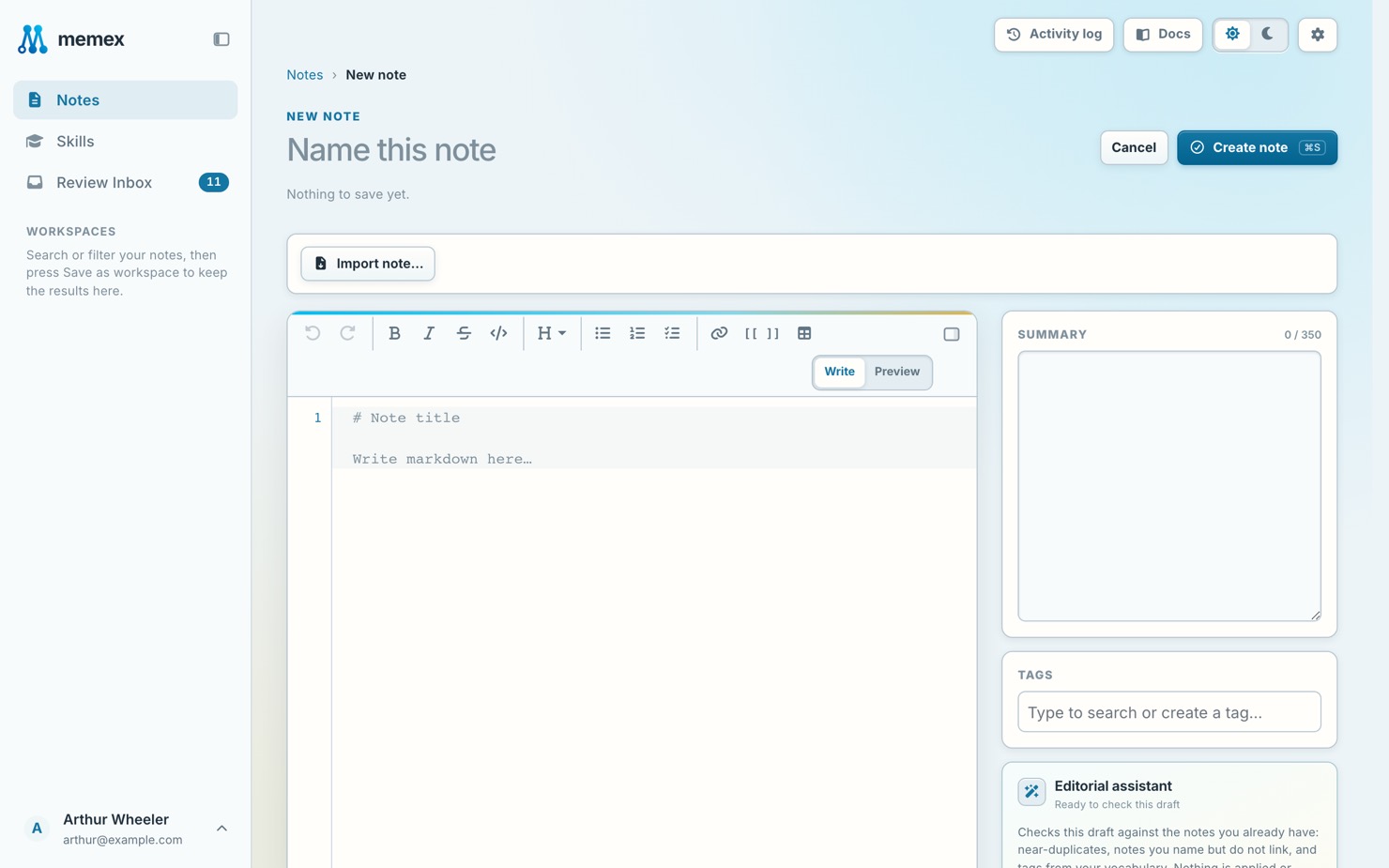
On Notes, press New note.
Write it
Write a title and the body. Type
[[to link to another note.Add tags and a summary
Add tags and a short summary on the right.
Save
Press Save, or Ctrl/⌘+S.
To change a note, open it and press Edit note.
Undo a change
Open the note, pick a version under History and press Restore this version.
Start from a file
In a new note, Import note… fills it from a .md or .txt file. To bring in many files at once, see Import notes.